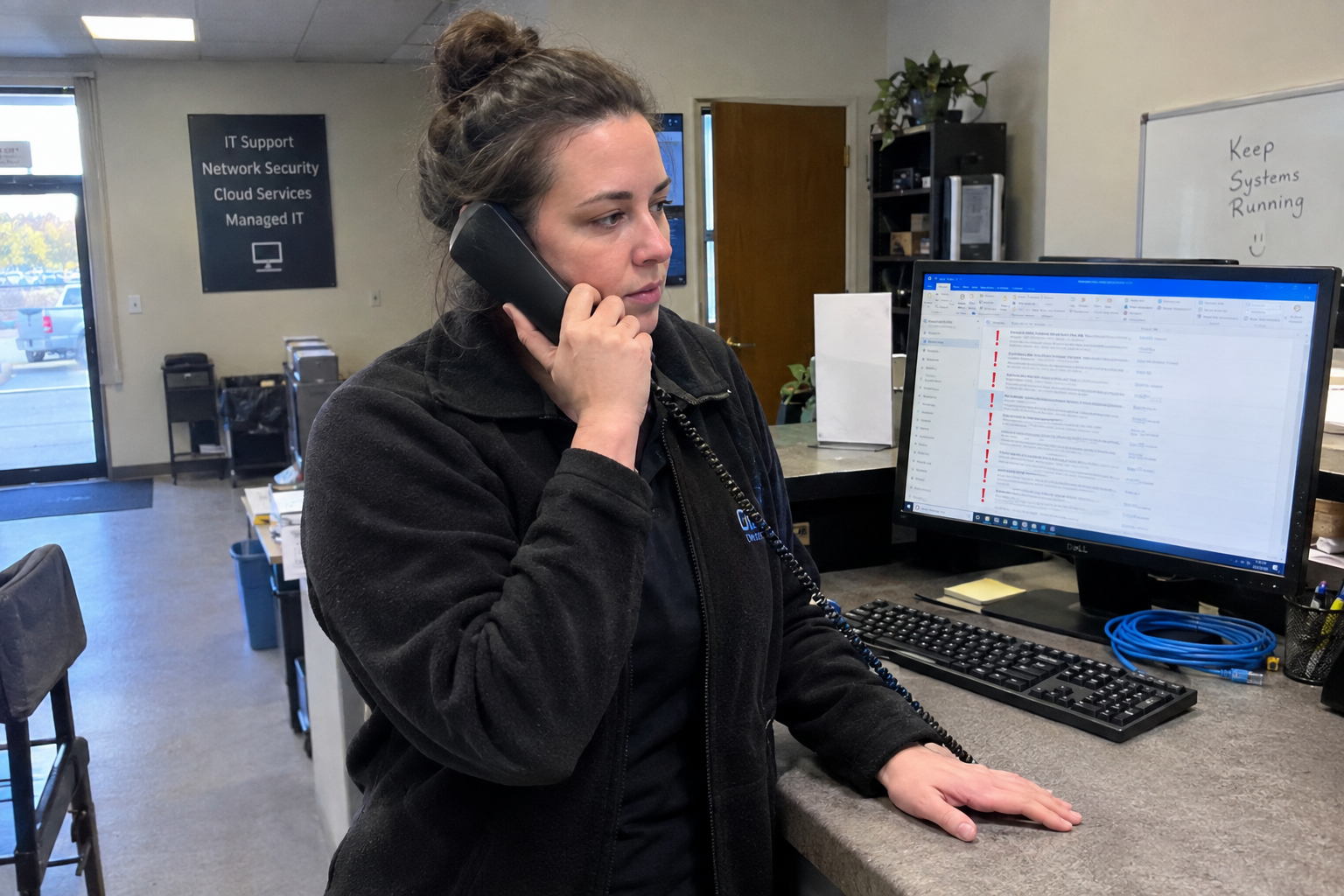
It's Monday, the queue looks the same as last week, and you're about to walk a tech through the same password reset you've explained four times since Friday. There's no written version of it, so you do what you always do: you answer the ticket and move on.
The fix is simple. Pull the three ticket types that show up most often in your ticketing history, write a one-page SOP for each, and test each one on a new hire. That's it. You don't need a documentation library, and you don't need to turn writing into a second job. You need three pieces of paper that fit the way your desk actually works.
Start With the Tickets You Fix Ten Times a Week
Start with what you already know. Those are the ones costing you time in repetition, and they're the ones a new hire will face on day one. A password reset is the standard example. It's routine, it's repeated, and there's a fixed sequence to it. Write that one down first.
You're not documenting your whole operation. You're documenting the three things that eat your week. How do you know which ones those are? That's the next question.
How to Find the Tickets That Repeat Most
If your ticketing system can export or filter by subject or category, pull the last 30 days and count. Group by what the ticket actually is, not what the client typed. "Can't log in" and "forgot password" are the same ticket.
If you don't have reporting, ask each tech to list the top three tickets they see in a week, and pick the ones that show up on more than one list. Say your techs name "password reset" and "mobile setup" as their top two. Those become your first candidates.
Once you have the list, how do you write an SOP that anyone will actually follow mid-shift? That's the part most documentation fails at.
Write Each SOP to Fit in a Shift, Not a Binder
Keep it to one page. A "when to use" line, numbered steps, and a final "what to check" step. That's the whole format. My view is that anything longer won't be opened when the phone is ringing.
Take the password reset SOP. Three steps: verify identity, reset in the admin portal, and confirm the client can log in. That's it. No edge cases, no variations. If the ticket doesn't fit the standard path, it goes to escalation. Exceptions belong in the escalation process, not in the SOP. You're documenting the path that works most of the time, and you're leaving the rest to a human with more context.
Now you have a draft. How do you know it's good enough to hand to someone who's never seen it?
Test Each SOP on a New Hire Before You Trust It
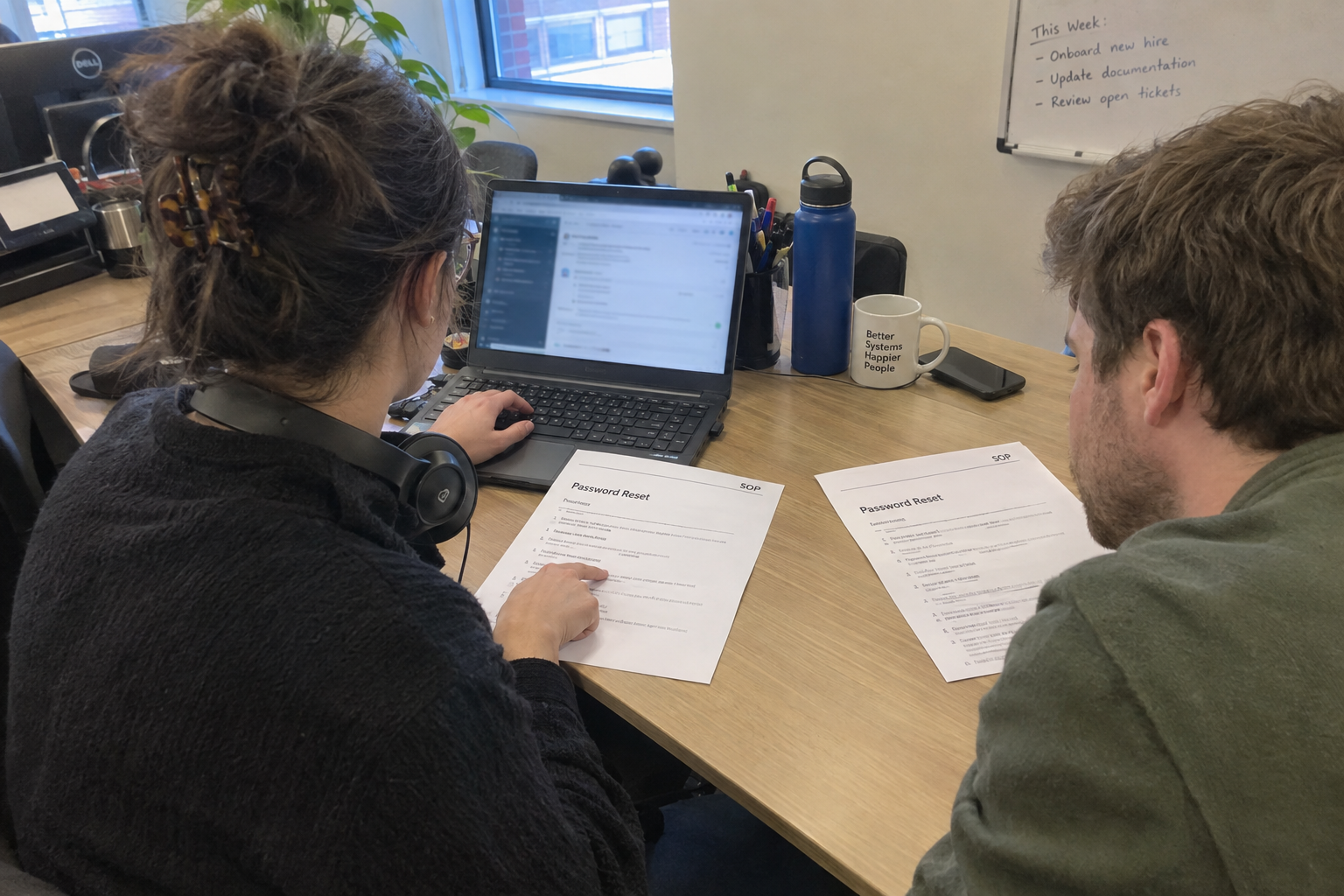
Hand the SOP to a new hire, or a tech who hasn't handled that ticket type recently, and watch them follow it from start to finish. Where they stumble is where the SOP needs clarity. Say the new hire asks "where's the reset link?" That's your cue to add the portal URL to the SOP.
Run the test in a lab, sandbox, or on a non-critical ticket, so a client's service isn't at risk while you're still learning whether the steps work. And test it on someone who isn't already fluent in the process. Testing on a senior tech who knows the answer by heart tells you nothing.
What if you don't have a new hire around? Ask a tech to follow the SOP on a ticket they normally handle, and take notes on where they have to deviate. That works too.
When SOPs Won't Save You
This approach has limits, and you should know them before you clear your Monday morning for it. It fails if your most repeated tickets are complex and unpredictable, if you have no way to identify what repeats, or if the team is too small to test and maintain what you write.
If one technician handles everything by intuition and the tickets never repeat the same way, an SOP goes stale before anyone uses it, because the tickets that repeat are too varied and the person who'd maintain it is the same person who's too busy to write it. That's a real constraint, and it's worth naming.
If your most repeated tickets are judgment-heavy, like a network outage that could have a dozen causes, don't force them into a one-pager. Split it into an intake and triage SOP and an escalation SOP, or don't write it at all. The point is to document what's routine, not what's rare.
Start Monday With One SOP
Don't write all three at once. You have limited documentation time, and a single good SOP beats three half-finished ones. Pull your ticket history, pick the top ticket type, and write one page. Say password resets show up twenty times a week. That's your first SOP.
Then schedule a 30-minute review with a tech who can test it. That's the whole plan. You'll have something on paper that saves you the next explanation, and you'll know it works before you trust it with a client.

mspoutpost.com/articles/pick-the-sops-worth-writing-first-from-your-most-repeated-tickets
Written by Megan Friesen
MSP Outpost publishes information, not legal, financial, insurance, tax or compliance advice, and reading it creates no professional relationship. For decisions about your business, talk to a qualified professional.