You find out about a missed verification step on a password reset the same way you find out about most things: a client calls, annoyed, and asks why their account was accessed without their say-so. The tech who missed it has been hiding it for two weeks, hoping it wouldn't surface. It did.
You can catch that miss weeks earlier, before the client ever notices, with three pieces that fit into your week: a fixed 15-minute one-to-one with each tech, written desk standards as checklists they self-check before closing a ticket, and a same-week flag for when they miss a step. Small problems surface while they're still small, even when your workload is tight.
Why the One-to-One Matters
Picture this: a tech forgot to log four hours of time last Tuesday. You don't find out until month-end, when the invoice is short and the client is asking why. In a one-to-one, that same problem surfaces in five minutes: the tech says "I'm behind on my time logging," and you fix it before it becomes a billing fight.
My view is that the one-to-one is the single highest-leverage meeting you run. It's not a status update. It's a chance to catch what's stuck, what's about to break, and what the tech is too embarrassed to put in a ticket. And it works best when it's the same time every week, so it becomes a habit, not a negotiation.
The 15-Minute One-to-One That Doesn't Eat Your Week
Here's the standing agenda, and it fits in 15 minutes:
- What went well since we last talked?
- What's stuck?
- One thing you want to improve.
- Any feedback for me?
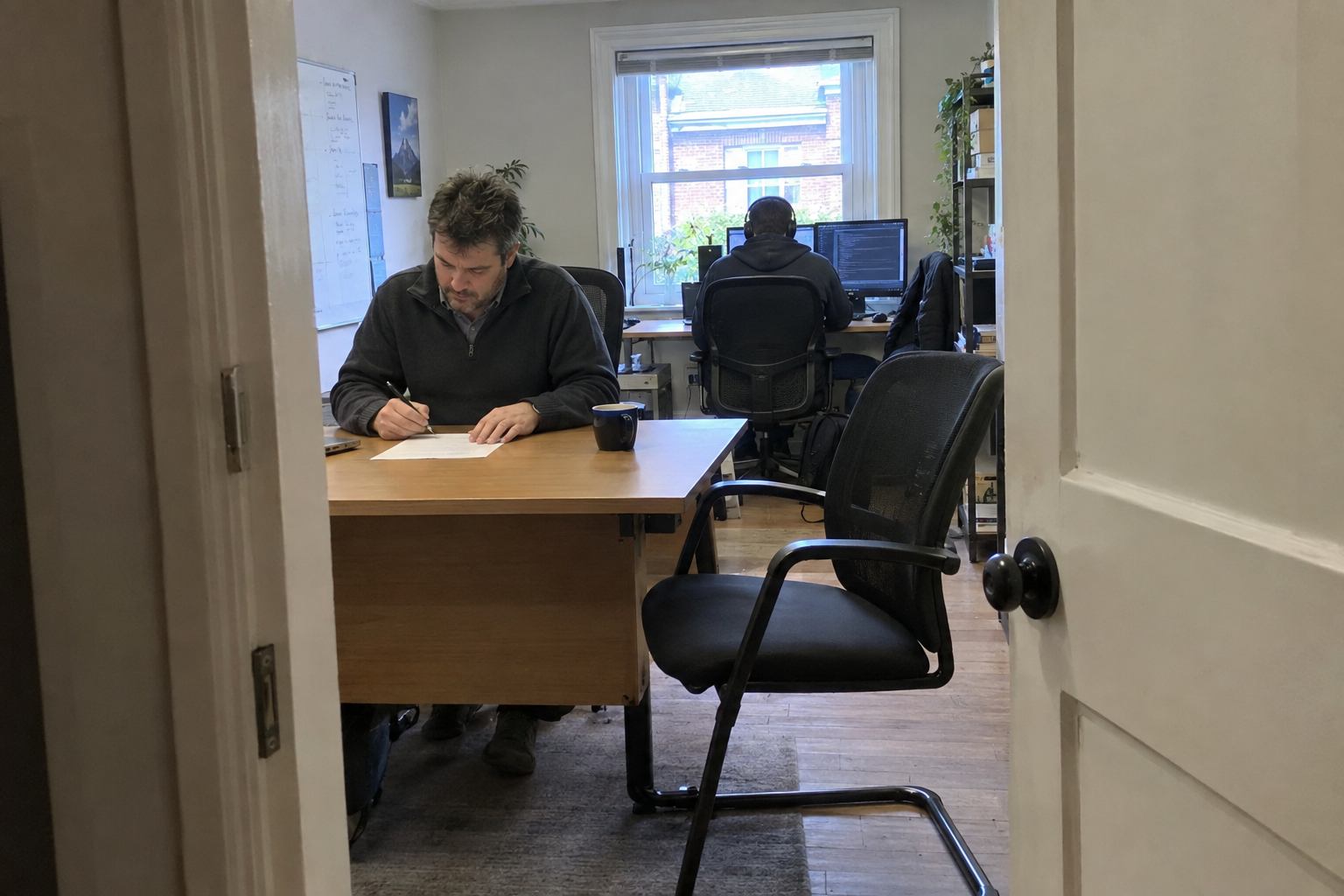
Block the same slot each week, same day, and treat it like a client meeting. If an incident pulls you away, have a backup person cover the slot: a senior tech who can take the call, or a note that says "reschedule, don't skip." The meeting doesn't have to be deep. It has to happen.
For a team up to about 15 people, weekly one-to-ones are feasible. That's 2.5 hours a week for 10 techs, plus a few minutes of prep. Beyond 15, extend to biweekly. The agenda stays the same, but you're trading frequency for coverage, and you'll need to be more deliberate about spotting patterns.
Desk Standards as Checklists Your Techs Can Self-Check
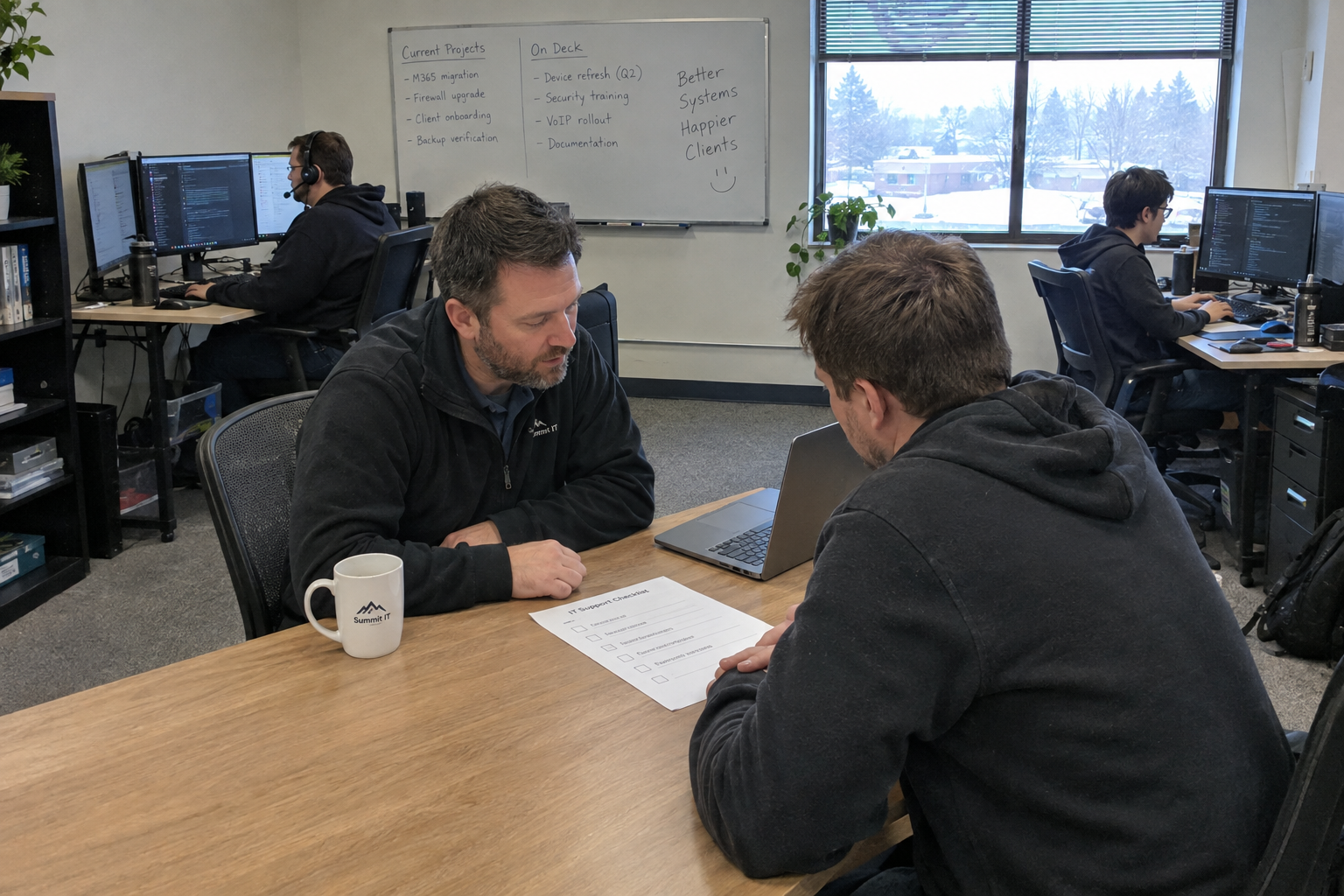
Between one-to-ones, what does a tech check against? "Do it right" is too vague. Write desk standards as checklists for the top five recurring ticket types on your desk. You know what those are: the ones that show up every week, the ones where a skipped step causes the most damage. Each checklist has 5 to 8 concrete steps, no more.
A password reset checklist looks like this: verify the user's identity with a phone call or in-person check, reset in the correct directory, send a secure notification, log the ticket with the method used, and confirm the user can log in before closing. That's five steps. If a tech skips the first one, the checklist catches it.
Store them where techs can pull them up without asking, in SharePoint, Google Drive, or an internal wiki. Require a self-check before closing a ticket. And keep them current. A checklist that's wrong gets ignored faster than no checklist at all.
The Same-Week Flag: How a Missed Standard Gets Caught While It's Still Small
When a tech realizes they skipped a step, they need a way to raise it the same week, not wait for a client to complain. The path: the tech flags the ticket, adds a note like "missed verification step," sends you a brief message on your regular channel, Slack or email, and you review it at the next one-to-one.
The worked example: a tech skips the identity verification on a password reset. They catch it an hour later, flag the ticket, and message you. You see it that afternoon, and at the one-to-one you re-train them on the step. No client ever notices. The miss stays internal, and it gets fixed before it becomes a pattern.
This only works if the culture treats a miss as learning, not blame. If a tech thinks flagging a mistake leads to discipline, they'll hide it, and you're back to finding out from a client. Emphasize that the flag is a coaching moment. And if you don't review the flags, techs will stop sending them. Commit to reading them within the week.
When This Plan Breaks: Team Size, Culture, and Coverage
This system has limits, and it's worth naming them. It breaks down if your team is larger than about 15 and you still try to run weekly one-to-ones: you'll run out of week. It breaks down if your culture punishes mistakes, because no tech will flag anything. It breaks down if you can't keep the one-to-one slot free, because coverage pulls you into tickets, or if you stop reviewing flags.
And one honest note: a missed standard is an internal risk. You can't assume a client noticed, or that they'll tell you if they did. You have to verify with your own clients, through satisfaction surveys, renewal conversations, or direct check-ins, whether these misses are reaching them. Don't treat a quiet client as proof the system works.
On Monday, block your first one-to-one slot. Then pick one ticket type and write the first checklist. That's it. The rest follows.

mspoutpost.com/articles/the-15-minute-one-to-one-and-desk-standards-that-catch-problems-before-they-cost-you-a-client
Written by Megan Friesen
MSP Outpost publishes information, not legal, financial, insurance, tax or compliance advice, and reading it creates no professional relationship. For decisions about your business, talk to a qualified professional.