
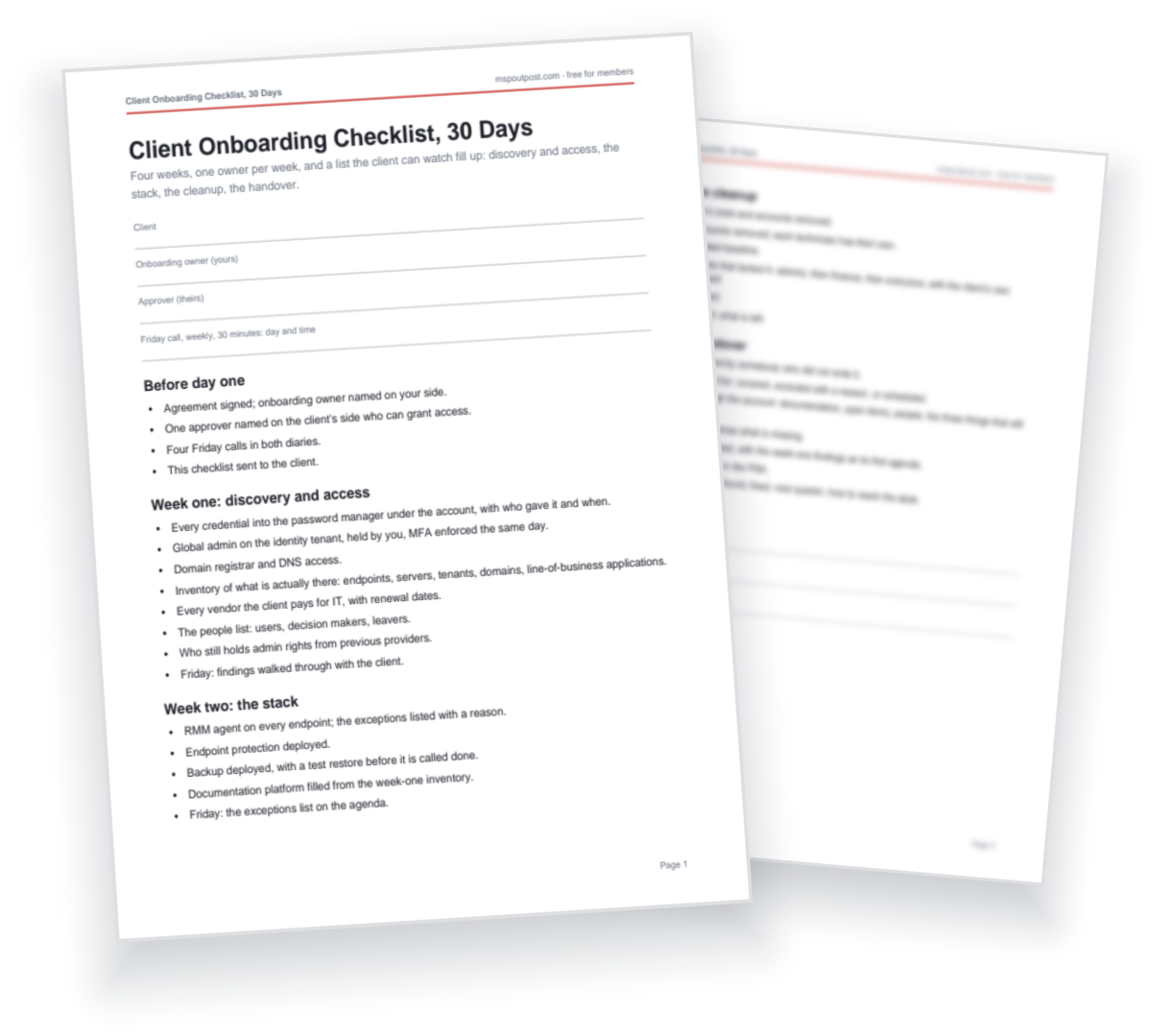
The first month decides whether a client stays three years or one. This checklist is the guide's four weeks as a working list: one owner per week, the Friday call, and a handover that ends with the service desk able to take the first ticket without asking the project engineer. Share it with the client on the first call so they can watch it fill up.
It pairs with the guide on onboarding a client in thirty days.
How to Use It
- Name the two people before day one. One owner on your side, one approver on theirs who can actually grant access. The four Friday calls go in both diaries the same day.
- Share it with the client on the first call. The list is the plan. A client who can watch it fill up asks fewer questions and chases fewer of the items that are already done.
- Close it at the handover, not at the end of the month. The desk lead signs it off or names what is missing. An onboarding closed with items open is an onboarding the desk inherits.
When Not to Use It
Thirty days is for taking over an environment that works. It is the wrong plan for a migration with a server move or a tenant cutover in it: those need their own project and a longer runway, and this becomes week one of that. It is not a security remediation plan either. Something live found in week one is its own ticket and its own conversation, not a line on a list the client is watching.
