You're paying for a security tool that duplicates something your RMM already does, and you only noticed because the renewal landed. The fix isn't a better tool. It's a better order for deciding what to buy in the first place.
My view: decide the PSA and RMM together, first. Backup and security come after, and only to fill gaps the core pair doesn't cover. Documentation comes last, once the stack is stable and you know what knowledge actually needs capturing. That order suits a 5-to-40-person shop moving from reactive break-fix to managed services. It's not universal, and I'll get to the exceptions.
What Should You Decide First?
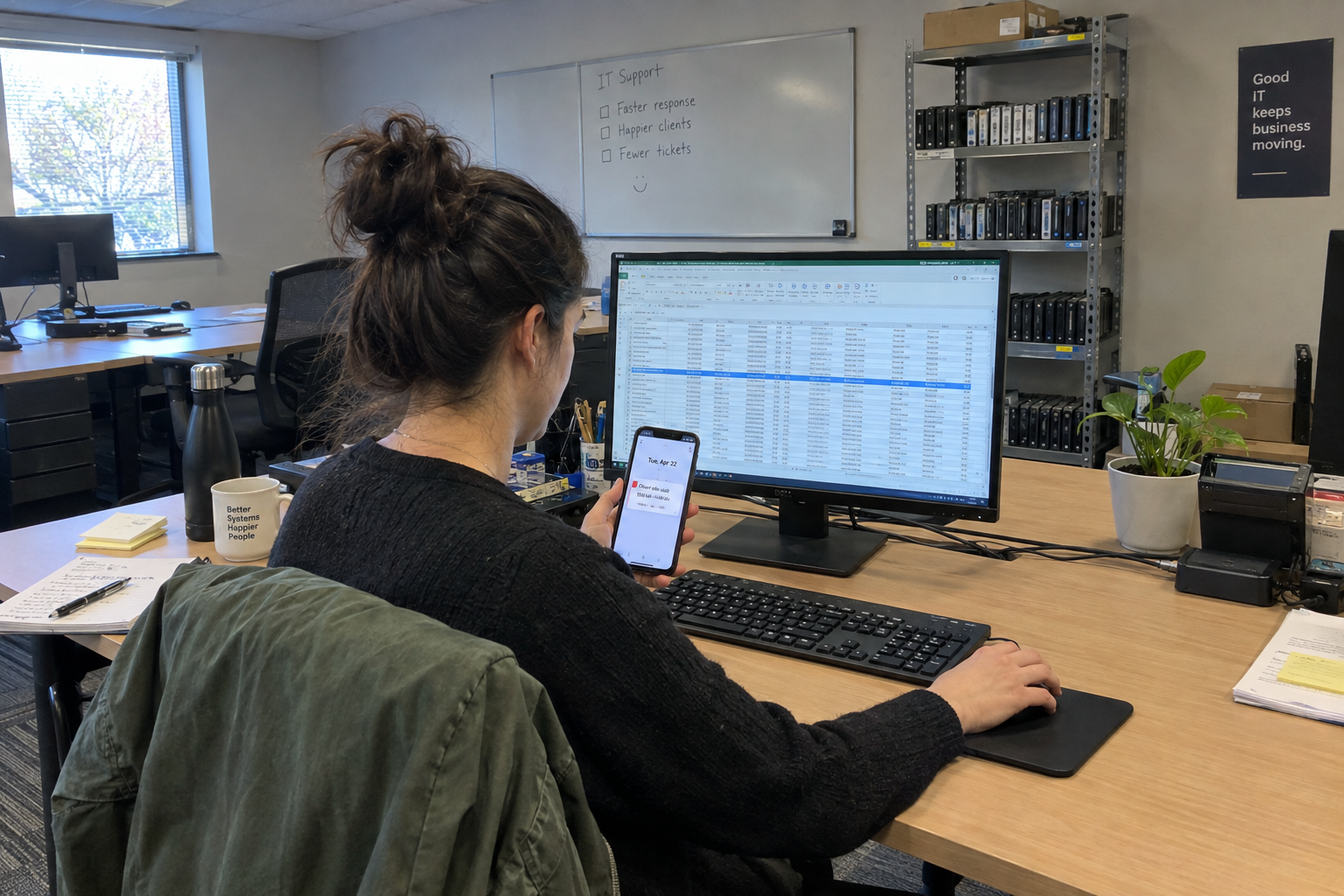
Picture a Tuesday. You're looking at the renewal list and you spot it: two vendors, both billing you for endpoint monitoring. You don't know which one is doing the work, and you're not sure you need both. That's the moment this order is for.
Before you buy anything, settle the budget and the direction of the company. My view is that skipping that conversation is what kills the project. One owner described a PSA/RMM project scrapped a year later because it was too expensive, ending in a return to manual server checks. So the first decision isn't which tool. It's whether you're staying reactive or moving to proactive managed services, and what that's worth to the business.
How Do You Pick the PSA and RMM as a Pair?
Once the direction is set, pick the PSA and RMM together. Not one first and the other later. For a typical shop moving to managed services, they form the operational core: ticketing, monitoring, automation. Everything else plugs into them, so they need to fit each other. That's the recommendation, not a universal law.
What to look for: clean integration, no forced separate vendors, and a ticketing workflow your techs will actually use. A buggy or poorly supported tool will poison the whole stack; that's my view. One owner who tried a combined product reported endless bugs, poor reporting, and a need to bolt on separate antivirus, and is already looking to switch. That's a caution, not a verdict on every combined tool.
But a good RMM can pull its own PSA along. One owner described rolling out an RMM that worked well enough that the boss switched to that vendor's PSA within a month. That's the dynamic you want: one solid tool making the next decision obvious.
What Backup and Security Gaps Should You Fill?
With the core pair in place, you now have a decision to make about backup and security. The answer starts with an inventory: what does your PSA/RMM already cover? Check what your current tools include for antivirus, patching, and disk encryption before you buy anything else. If that's enough for your clients, buying a separate security stack is paying two vendors for the same capability.
Overlap is a real cost, and it cuts both ways. One owner pulled SIEM/SOC out of a client's stack to lower cost while keeping the rest of the security tools, and it worked in their environment. The gap check isn't just about overbuying; it's also about not cutting something the client actually needs.
The method is simple: list what your current tools do, mark what you're actually using, and buy only what's missing. If per-user licensing for backup or security is involved, itemize it separately from managed services so you know exactly what you're charging for and what you're paying for. One owner avoided losses on endpoints with multiple users by billing per endpoint and separating licensing from managed services.
When Should You Add Documentation Tools?
Documentation tools come last, and only when the core stack is stable and you have a real problem to solve. The problem is usually knowledge that lives in people's heads. My read is that's the risk you're actually managing.
One shop ran for 20 years with 12 techs on Outlook, a homebrew database, and text file breadcrumbs, relying on each other, and it made money with high retention. Documentation tools weren't the thing they needed. But as the team grows or a key admin leaves, that informal knowledge becomes a risk. One owner reported losing customizations when the admin who set up the RMM left. That's the moment a documentation tool earns its keep.
If you add a documentation tool, assign an owner. My view: a wiki nobody updates is worse than none, because it gives the false impression the knowledge is captured.
Where Does This Order Break Down?
This order assumes three things are true: budget and direction are settled first, someone owns configuration and documentation upkeep, and the tools you pick are reliable. If any of those fails, the order falls apart.
The budget failure is the one I'd watch for: it's what killed the scrapped project described earlier. Talk about money before you talk about features.
The reliability failure is subtler. A buggy PSA/RMM makes every other tool look bad, because they all plug into it. Verify the tool works in your environment before you commit. A free trial on a couple of test tenants is worth the week, in my view.
And the honest exception: a small MSP running well on manual processes may need none of these tools. The shop that ran on Outlook and a homebrew database shows it can work. Don't buy tools because the industry says you should. Buy them because you have a problem they solve.
There's also a valid alternative start: RMM only, if you're still reactive and monitoring is the immediate need. Or a combined PSA/RMM product from one vendor to cut integration overhead. Those are legitimate paths, not failures of the order.
What to Do on Monday
Take the overlap-check method out of this article and onto your desk. List every tool you pay for, what it does, and what your PSA/RMM already covers. Mark where you're paying two vendors for the same capability. That list is your gap analysis, and it's the first step to a stack that earns its keep.

mspoutpost.com/articles/pick-your-psa-rmm-backup-security-and-documentation-stack-in-the-right-order
Written by Dana Kowalski
MSP Outpost publishes information, not legal, financial, insurance, tax or compliance advice, and reading it creates no professional relationship. For decisions about your business, talk to a qualified professional.