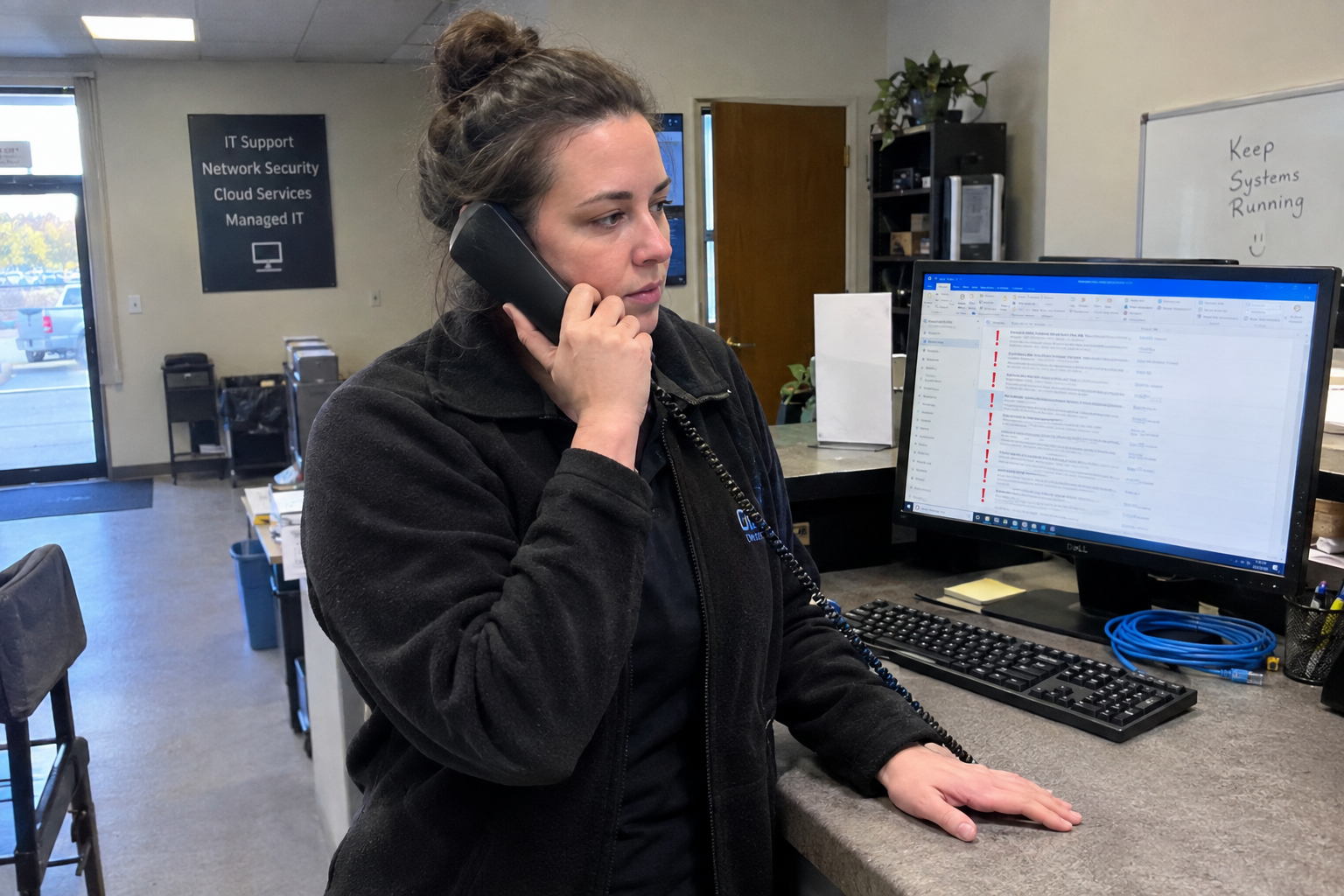
Picture a Tuesday at 9am. A ticket lands on the board: "Email down for one user." Your L1 tech glances at it, decides it's low priority because it's one person, and gets to it after lunch. The user is the client's controller, who has been reconciling invoices all morning and can't work. By the time anyone escalates, you've burned goodwill and a chunk of the afternoon.
The fix is not a smarter tech. It's a system that makes the first two minutes of every ticket identical. Four intake questions, a two-factor priority rule, and a named owner per category. That's it. My view is it works at five-person shops and forty-person shops, and it's the difference between response times you can predict and response times you can only hope for.
Why Do Tickets Feel Random?
When priority is decided by whoever happens to open the ticket, it's decided by mood, workload, and how well that tech knows the client. One tech reads "email down for one user" and thinks P3. Another thinks "controller" and jumps it. Same ticket, two outcomes, and the client never knows which one they'll get.
The problem is not that your techs are careless. It's that you've asked them to make a judgment call with no rule behind it. My view: instinct is fine for a one-person shop and useless past that. You need a script.
What Are the Four Questions?
Ask these four questions on every ticket, at creation, before anyone touches it:
- What is broken?
- Who is affected?
- How many users are impacted?
- Is there a workaround?
That's the whole intake. Each answer feeds the priority rule and tells you who owns the ticket. You can build these into your portal submission form, or ask them on the phone for P1s. For the email ticket, the questions change everything: it's one user, the controller, and yes, they can use webmail while you work. That workaround drops it to P3, and the L1 tech on the incident rotation owns it.
Without the workaround question, you'd have guessed wrong. With it, you have a defensible priority in under two minutes.
How Do I Set Priority in Two Factors?
Two factors, and only two: impact and urgency. Impact is how many users are affected and whether work stops. Urgency is whether a workaround exists. Cross them and you get a priority level that never depends on who's looking at the ticket.
| Impact | Workaround? | Priority |
|---|---|---|
| Whole site or critical function down | No | P1 |
| Multiple users, or single user with no workaround | No (or yes, but high impact) | P2 |
| Single user | Yes | P3 |
| Request or minor issue | N/A | P4/P5 |
The rule that trips people up: a single user with no workaround is P2, not P3. The controller with no webmail access can't do their job, so it's high impact even though it's one person. Your email ticket gets a workaround, so it drops to P3. Every combination has an answer, and none of them depend on a tech's gut.
P1s are different. My recommendation: a genuine P1 gets phoned in and judged by a person, an L1 or the service manager. Emailed tickets default to P3; a claimed P1 has to be phoned in. The point is verification. Claiming "everything's down" is harder on a phone call than in an email.
If you have a client who emails "URGENT" on every ticket, the phone rule forces a call to verify. It takes time, but it's the cost of a system that doesn't reward the loudest flag.
Who Owns This Ticket?
Priority tells you how fast to work. Ownership tells you who works. Every ticket category gets a named owner, assigned at creation, with a named backup. No owner means no accountability, and no backup means one sick day stalls the board.
| Category | Owner | Backup |
|---|---|---|
| Incident | L1 tech on rotation | L3 |
| Service request | L1 tech | Any L1 |
| Problem | L3 or service manager | Second L3 |
| Access (password resets, permissions) | L1 tech | L1 |
In a PSA that supports auto-assignment, set rules that route by category and priority, and have the service manager review triage volume and tech time to catch misassignments. One MSP did exactly this with Autotask, routing priority cases and specific projects to relevant techs automatically. If your PSA can't auto-assign, the owner list is still the answer: the intake questions determine the category, the category determines the owner, and the owner gets the ticket the moment it's created.
If you don't have a dedicated service manager, share the owner list and cross-train so at least two techs can own each category. The list should not rest on one person's availability.
When Does This Fall Apart?
No system survives a team with no backup plan or a client who can't adapt to structured intake. Here's where this approach breaks, and what to do about it.
- A client who emails "urgent" on everything: make P1s phone-only and have the L1 verify. Owners who made P1s phone-only report fewer false emergencies getting through. Coaching is part of the job, and it takes time.
- The named owner is on leave: every category needs a backup, identified in advance. Cross-train before someone's out, not after.
- The rule is too rigid for a VIP password reset: that's low impact but time-sensitive. Give it an exception path: it stays P3 by the rule, but the service manager can flag it for immediate action. One rule, one override, owned by one person.
- Email-only clients make scripted intake hard: you can't ask four questions over email without annoying them. Send the intake questions back once, then call if they don't answer. This is a real constraint, and it may mean some tickets take longer to classify.
- Clients used to free-form urgency flags may need coaching on how to use fixed priority options in the portal. One MSP gave clients priority options instead of a free-form flag, and few selected 'time sensitive'.
- No one's available to answer the phone for a P1 off-hours: if you take after-hours calls, someone has to own that line, or you're accepting P1s you can't act on.
The service manager, or whoever owns triage, reviews misclassifications weekly. Not to punish, to tune the rule and the owner list. The first month is where you find out which clients need coaching and which categories need a different owner.
What Should I Do on Monday?
Three things, this week:
- Print the four questions and the priority table. Post them at the service desk and add them to your PSA's intake form if it supports custom fields.
- Write the category-to-owner list, with backups, and put it in the PSA's assignment notes.
- Schedule a 30-minute team meeting. Pilot the questions on the next ten tickets and adjust the owner list based on where tickets stalled.
That's the whole plan. The proof is on your board: fewer bounced tickets, fewer "why didn't anyone pick this up" emails, and response times you can actually predict. Then you tune it. But you have to start with the script, not the instinct.

mspoutpost.com/articles/stop-letting-techs-guess-at-priority
Written by Megan Friesen
MSP Outpost publishes information, not legal, financial, insurance, tax or compliance advice, and reading it creates no professional relationship. For decisions about your business, talk to a qualified professional.