You've tried the tools and the marketing. You've spent money on things that promised leads and delivered noise. The fix isn't another platform. It's a 20-name list and a sequence you'll actually send, and it takes no new software and no extra headcount.
Here's the plain answer: profile your three best clients, find 20 to 30 local businesses that look like them, and run five touches over 15 business days. The goal is a conversation, not a close. You can track it all in a spreadsheet. If you can give this two to three hours a week, you can make it work. If you can't, nothing else on this page matters.
You Don't Need More Tools, You Need a Target List
Picture your best client. Not the one who pays the most, the one who's easy to work with, rarely argues a ticket, and renews without drama. Now picture two more like them. What do they have in common? Industry, employee count, the way they use technology. That's your starting point.
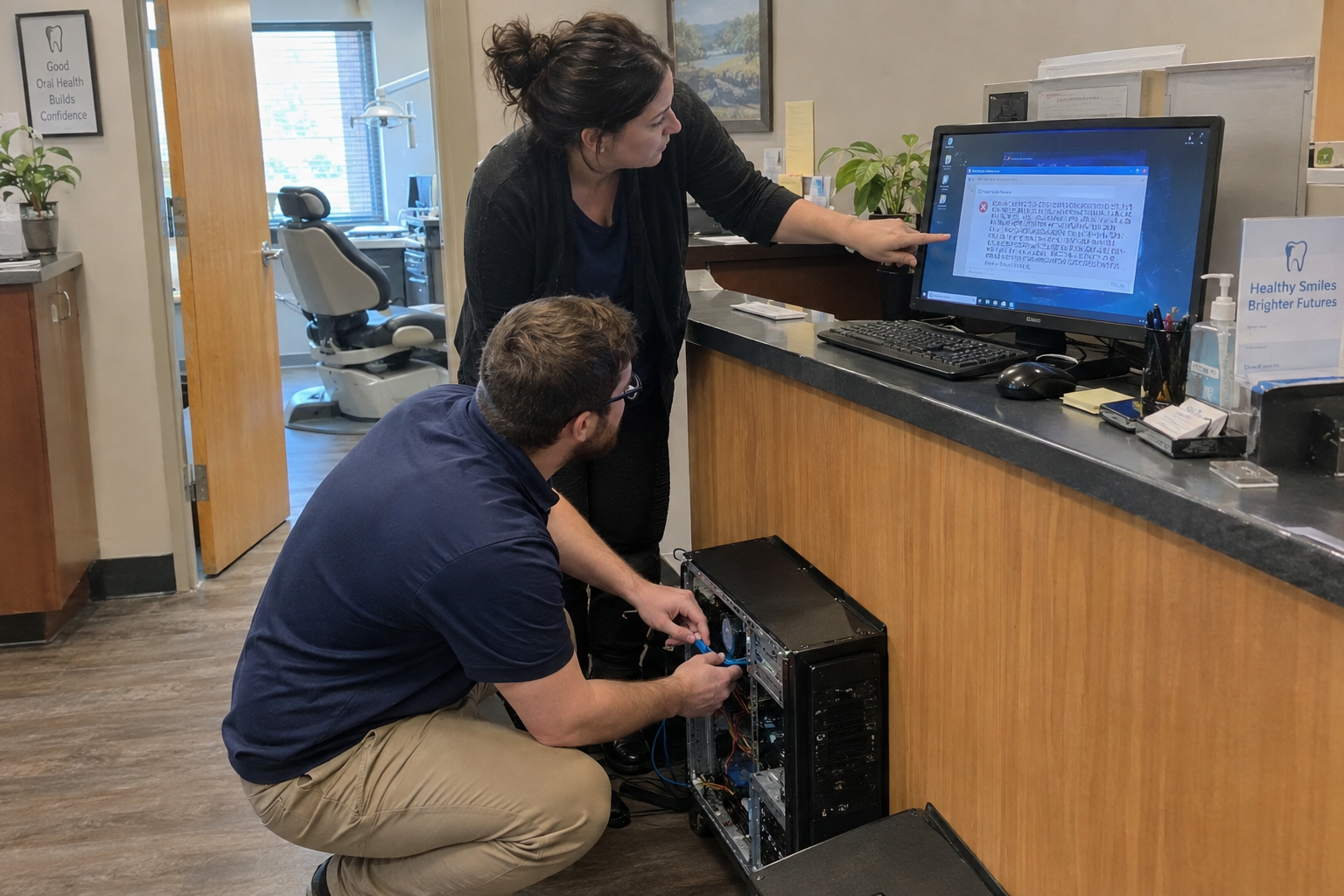
Say you run an MSP with clients in dental offices, manufacturing, and law firms. Your list is other local dental practices, small manufacturers, and law firms with 5 to 20 employees. No shiny objects, no one-off industries that won't repeat. Just the businesses that already work for you.
You need at least three current clients you can profile. If you don't have that, stop here and go fix your existing accounts before you prospect. And you need to be honest about why they're good. "They pay" isn't a trait. It's a requirement. Look for what makes them fit: the software they run, the way their staff uses it, the problems they call you about.
Once you have the traits, you pull names. Chamber lists, Google Maps, your own network. One afternoon is enough. The discipline is the hard part: you're going to see 50 maybes that don't fit, and you have to let them go. My view is that a clean list of 20 beats a messy list of 50 every time.
Which 20 Prospects Are Worth Your Time?
Take your top three clients by revenue, stickiness, or how easy they are to support. Write down their industry, employee count, and tech stack. That's your ICP. Then find businesses in your area that match those numbers.
Say one of your best clients is a 10-person dental practice with two front-desk staff and an on-prem server. You're not looking for any dental practice. You're looking for dental practices with 5 to 15 employees in your county, ideally with the same practice management software. That's the difference between a list you'll work and a list you'll ignore.
The trap is the "maybe" prospect. The one that's close but not quite. The one that might grow into a fit. I don't buy the argument that any warm body is better than none. It isn't.
Your list is a promise. It's the 20 names you're willing to work for the next month. If you keep adding to it because a new name looks interesting, you never work the list you have.
A Sequence You'll Actually Send (5 Touches, 15 Days)
Here's the pattern. Five touches over 15 business days. Three emails, two calls. The emails are value-first, not pitches. The calls are one to the front desk, one to the owner. You write the templates once and reuse them.
- Day 1: Email with a specific tip for their industry. For a dental practice, a short checklist on securing patient records.
- Day 4: Call the front desk. Ask for the owner by name. If they screen, leave a message with a reason to call back.
- Day 7: Email with a real case study, if you have one, or a common problem. "Here's how we helped a similar practice reduce after-hours calls."
- Day 10: Call the owner directly. Leave a voicemail if you have to.
- Day 14: Final email. Polite break-up or a clear next step. "If this isn't a fit, no problem. If you'd like a 15-minute chat, here's my calendar."
The sequence's goal is a conversation, not a close. If you're trying to close on the first call, you'll sound like every other vendor and you'll get ignored. Consistency beats intensity.
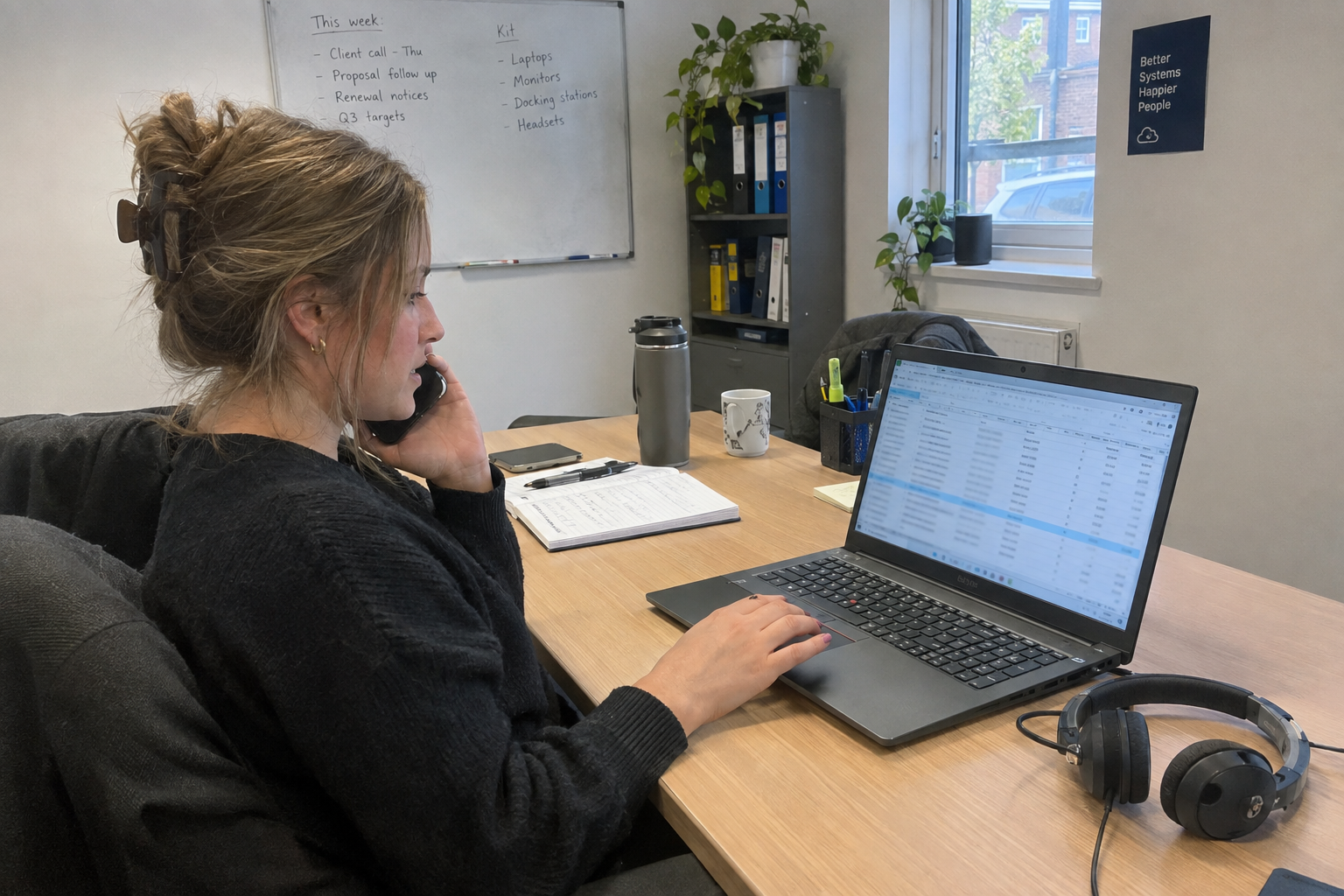
You need to track which touch you're on for each prospect. A spreadsheet works fine. No CRM required. Columns for name, industry, email, phone, touch number, and notes. That's it.
The failure mode is skipping touches because you got busy, then restarting the sequence from scratch. That's how you end up at 40 touches with no reply and no idea what actually happened. Stick to the schedule. If you miss a day, send it the next day. Don't restart.
How to Get Past the Front Desk Without Being a Sales Pest
A front desk can screen calls, and some businesses have a hard wall you won't get through. That's a may-fail condition, not a personal failure. So don't call like a salesperson. Try calling early, before the office opens, and ask for the owner by name. Have a reason that sounds helpful, not pitchy.
Say you're calling a dental practice. "Hi, this is Sarah from IT Company. We look after a few dental practices nearby, and I have a quick question about your backup setup. Can you point me to the owner?" That's a different conversation than "I'd like to talk to the owner about our managed IT services."
If you get screened, leave a voicemail that earns a callback. "This is Sarah. I have a two-minute idea to reduce your help desk tickets. Call me back at this number." Specific, short, and not a pitch.
Yes, this can feel awkward. Bypassing a gatekeeper is uncomfortable the first few times. That's normal. The awkwardness fades with practice.
When the gatekeeper wins, use LinkedIn. Message the owner directly. Or send a follow-up email with a clear reason to reply.
When the Sequence Ends With No Reply (and When to Stop)
You ran all five touches. No reply. That's not failure. That's a signal to pause for 30 to 60 days, then re-engage with a different angle. Maybe the email was wrong. Maybe the timing was off. Maybe they just aren't ready.
The re-engagement isn't a repeat. It's a new message. "A few months ago I reached out about your backup setup. I've been thinking about the after-hours call problem for practices like yours. Here's one thing that changed." Different angle, same list.
But know when to stop. If you've run three or four full sequences with zero traction, it's time to revisit your ICP or your message. The problem might be the list, or it might be what you're saying. Don't keep hammering a message that isn't landing.
Say you ran the full sequence to 10 dental practices and got nothing. Pause them. Refine your email based on what you've heard from the ones that did engage. Then start a new list of orthodontists instead. Same approach, new segment.
Your Monday Morning Start
Monday, 9 AM. Open a spreadsheet. List your top three clients and their traits. That's 30 minutes, and it's the hardest part because it forces you to be honest about what makes a good client.
Then block two hours this week to pull 25 local names that match. By Friday, you have your list and your first email drafted. That's it. That's the whole start.
The rest is consistency. One MSP owner describes the sales cycle as long, with no quick wins, and reports that consistent outreach over months is what eventually drove conversations and some sales. My view is that's the only game worth playing.
So do that on Monday. Build the list. Run the sequence. And when you get no reply, don't quit. Pause, adjust, and go again.

mspoutpost.com/articles/a-prospecting-list-and-outreach-sequence-that-reaches-the-owner-not-the-front-desk
Written by Natalie Brandt
MSP Outpost publishes information, not legal, financial, insurance, tax or compliance advice, and reading it creates no professional relationship. For decisions about your business, talk to a qualified professional.